


New function for Revit: 3D section box
Meet the new function in the plugin – 3D section box!
This is the first function in the plugin, not written by me, although I have adapted and corrected for ModPlus. The author of the function is my colleague Ostanin Anton.
A few words about the Function: it works quite simply - you select any elements (or several elements) and the function creates a new 3D view with the selected elements cropped into the view cube. At the same time, a small window appears with a slider that allows you to resize the species cube evenly in all directions from the selected objects. See for yourself how it works.:
Perhaps users of Revit version 2016 and above will say: "Yes, there is one already in Revit itself". And they will only be partially right! But when they try this function, they will immediately forget about the existence of the native Revit’s command! However, I don’t have a reason to convince anyone - it’s just enough for me to upload a screenshot of the Autodesk application store:
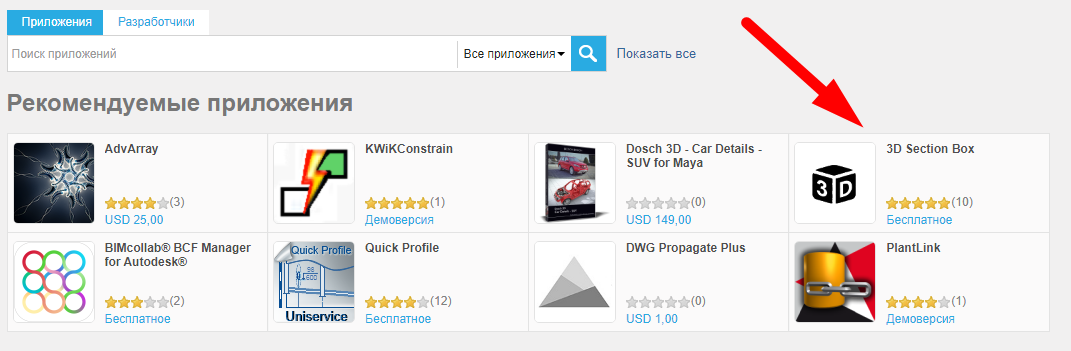
Oh yes - this function is there, and she's recommended! So let's put everything in a function, use it and leave your feedback!
Soon there will be more replenishment in the ranks of the Functions under Revit! So join yourself and recommend to your friends! And enjoy your work with the plugin ModPlus!