


-
Creating path annotation for stairs on floor plans
Icon


Related news and articles
Using
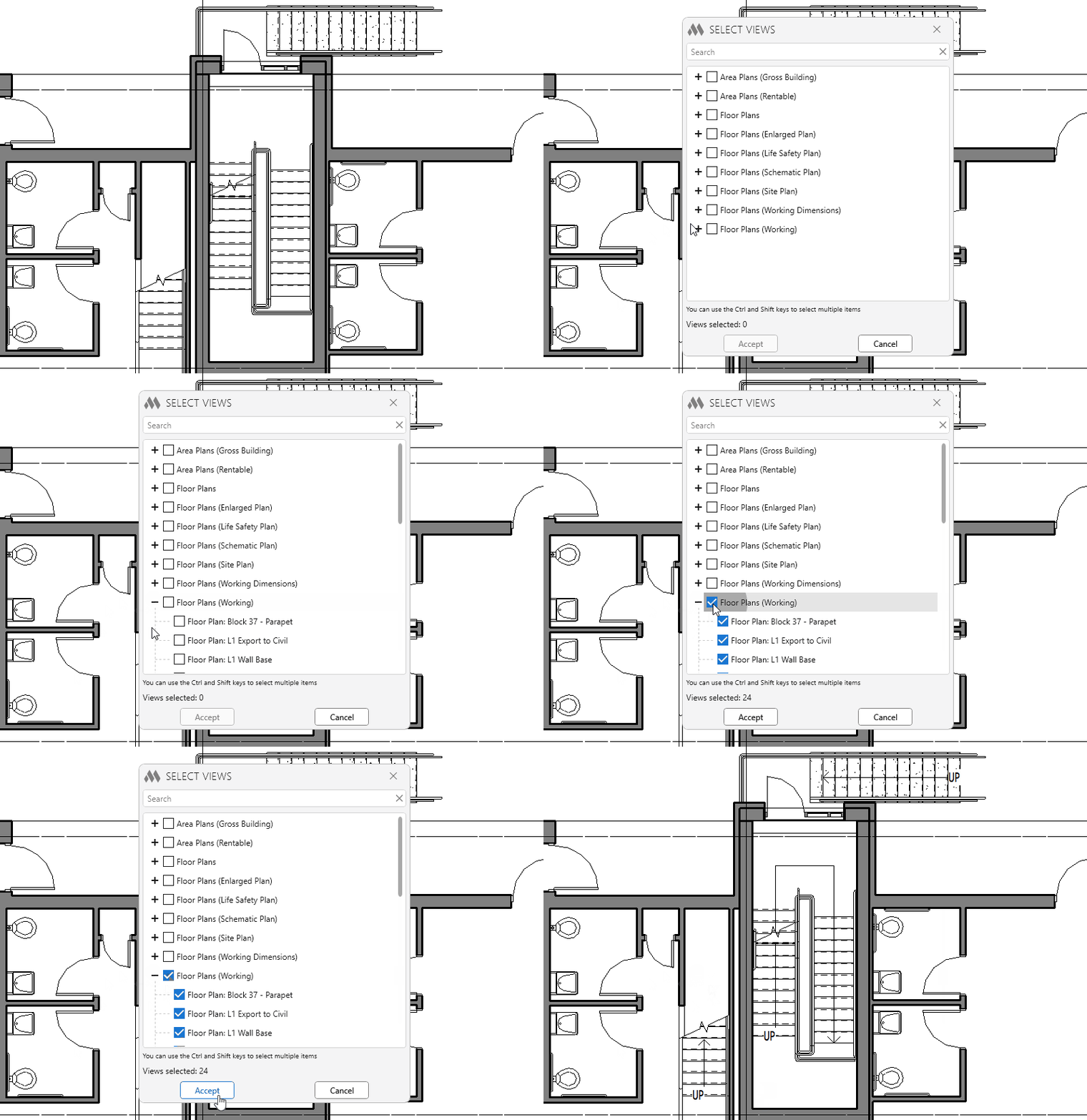
The plugin automatically creates stair paths on the selected floor plan views, including for stairs located in linked models.
In Revit versions prior to 2024, when working with linked models in the "By linked view" display mode, two stair paths may be displayed on a floor plan: the existing stair path from the linked model and the stair path created by the plugin. This is due to limitations of the Revit API when determining the visibility of stair paths in linked models.
After launching the plugin, a view selection window opens:
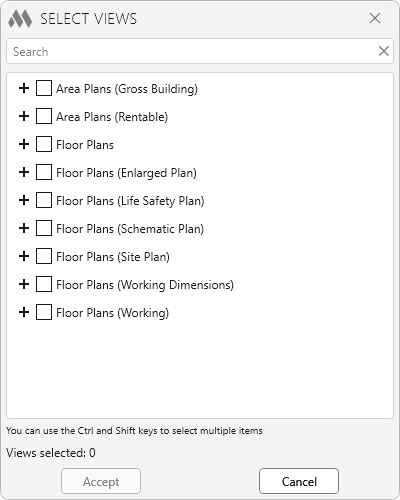
The list displays the project's floor plan views where stair paths can be placed. Select one or more views. After clicking the Accept button, the plugin will automatically create missing stair paths for all stairs in the selected views.
-
Change history forYear
2026 Year
Revit: Phases 1.0.3.0 (18.09.2026)
ImprovedThe interface was migrated to the current version of the ModPlus styling library.Revit: Phases 1.0.2.0 (06.03.2026)
ImprovedWindow background change when collapsing window content.2025 Year
Revit: Phases 1.0.1.0 (17.11.2025)
ImprovedService update due to replacement of auxiliary library to prevent conflicts with other plugins.Revit: Phases 1.0.0.0 (17.03.2025) Read more
ReleaseRelease. -