


-
Color highlight, restore or delete dimensions with an override value
Call options
- ModPlus floating menu or palette
- Menu, toolbar, or ribbon in nanoCAD
- Command line: _mncHandDim
Icon


Using
Select dimensions: – select dimensions.
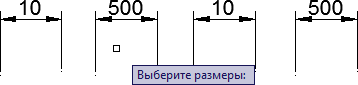
Options [Color/Select/Restore/Delete]: – сhoosing the next action:
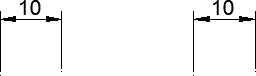
Color: – highlighting of "hand" dimensions. Color is selected from the appearing color picker window.
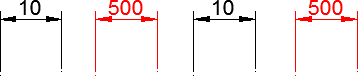
Select: – creating a set of "hand" dimensions.
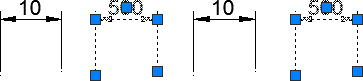
Restore: – recovery of the original (measured) values.
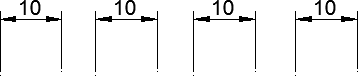
Delete: – removal of "hand" dimensions.
-